 ChatGPT
 Gemini
 Perplexity
 Claude
 Grok
GrokA Shopify page builder is an app that lets merchants design landing pages, product pages, and campaign pages visually, without editing theme code. In 2026 the category splits into two camps: builders that export native Shopify Liquid sections, and builders that render pages through their own JavaScript layer.
That split matters more than template counts. Native output loads at theme speed and keeps working if you cancel the app. JavaScript overlays add script weight to every page and, with some tools, your pages go blank the day you uninstall. The second shift is AI: the best tools now generate the entire page rather than just rewriting copy inside a manual editor.
Quick answer: which builder for which store
- Best overall for AI-first page creation: EcomWize. An AI agent builds the whole page from a prompt, output is native Liquid, and every paid plan includes the cart drawer, bundles, and upsells.
- Best template and integration library: PageFly. The most mature ecosystem, but the heaviest pages in the benchmarks we could find.
- Best for sales funnels: GemPages, with post-purchase upsells on its Optimize plan.
- Best for large content teams: Shogun, a CMS-style builder with scheduling and multi-store sync.
- Best for CRO teams with budget: Replo, strong A/B testing from 99 dollars per month.
- Best for Figma-based teams: Instant, with the deepest Figma import in the category.
- Best for direct-response funnels on a budget: Zipify Pages, with split testing from 19 dollars per month.
- Best free option: the Shopify theme editor itself, if you only need basic sections.
Shopify page builders compared (July 2026)
| Tool | Starting paid price | App Store rating | Output | Standout |
|---|---|---|---|---|
| EcomWize | $49/mo (free plan available) | New listing | Native Liquid sections | AI agent builds full pages in about 60 seconds |
| PageFly | $24/mo (free plan) | 4.9 (about 5,600 reviews) | JavaScript layer | 130+ integrations, 320+ templates |
| GemPages | $29/mo (free plan) | 4.9 (about 3,700 reviews) | JavaScript layer | Image-to-layout AI, sales funnels |
| Shogun | $39/mo (no free plan) | 4.8 (about 1,900 reviews) | Theme code + JS layer | Content scheduling, multi-store sync |
| Replo | $99/mo (free tier) | 4.6 (about 180 reviews) | Liquid + per-page runtime | A/B testing and analytics |
| Instant | $39/mo (free plan) | 4.9 (about 300 reviews) | Native Liquid sections | Figma import, 800+ templates |
| Zipify Pages | $19/mo (no free plan) | 4.6 (about 400 reviews) | Own rendering layer | Split testing on every plan |
| Shopify theme editor | Free | n/a | Native | Zero extra cost or scripts |
Ratings and prices were checked against each tool's Shopify App Store listing and public pricing page in July 2026; several vendors changed plans recently, so confirm on the listing before subscribing.
How we evaluated these builders
- Publishing architecture: native Liquid output versus an injected JavaScript runtime, and whether pages survive uninstalling the app.
- Page speed: Lighthouse comparisons and each vendor's own documentation about script weight. The scores cited below come from a 2026 benchmark published by fudge.ai, itself a competing builder, so read them as directional.
- AI capability: whether AI builds complete pages, or only rewrites text inside a manual builder.
- Pricing honesty: what the entry price actually includes and where the caps are.
- CRO tooling: A/B testing, analytics, upsells, and cart features included versus paid add-ons.
1. EcomWize: the AI agent that builds the page for you
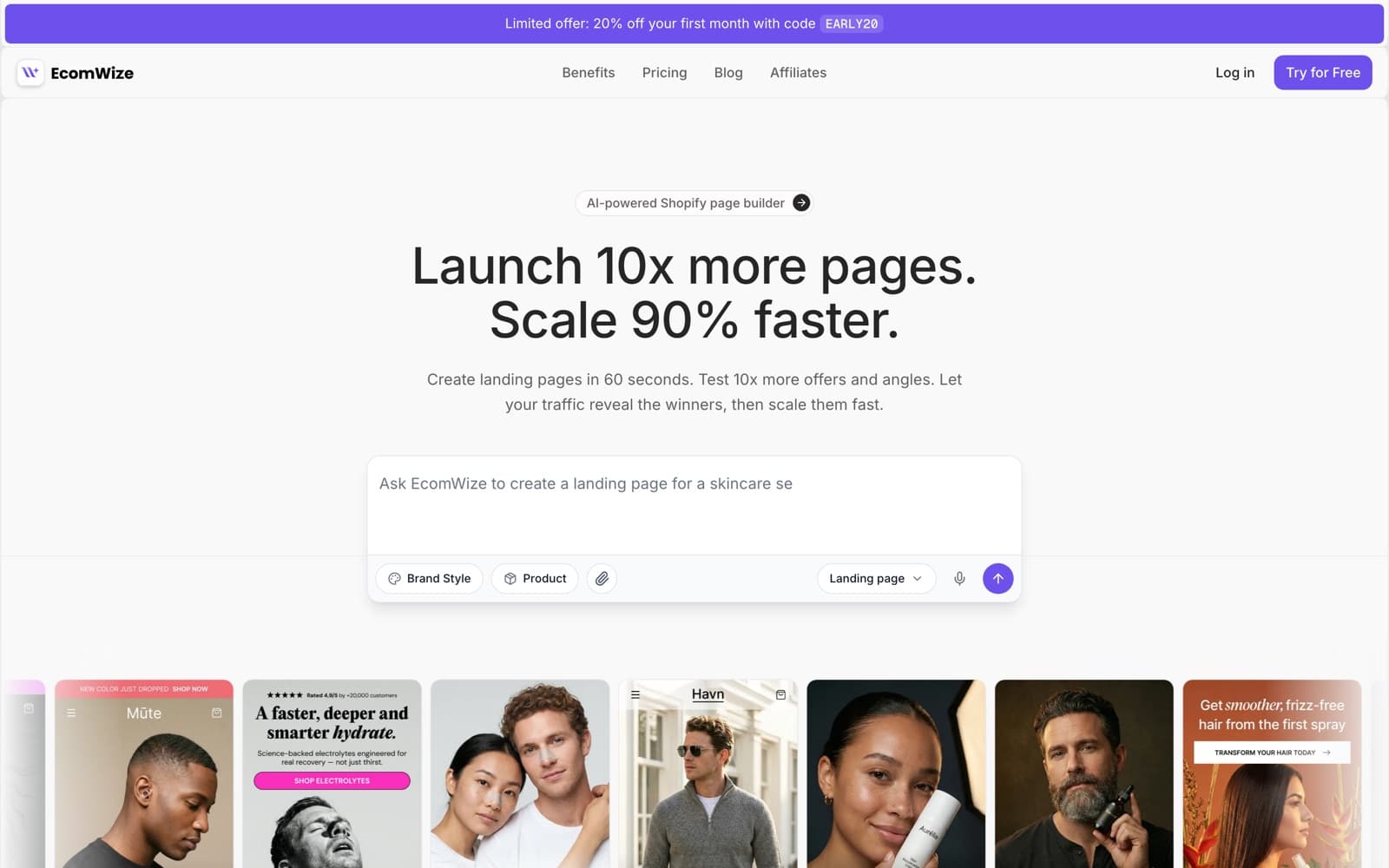
EcomWize is an AI-powered Shopify page builder where a chat agent assembles complete landing pages, product pages, advertorials, and listicles from 80+ conversion-optimized sections, then publishes them as native Shopify Liquid. You describe the product; the agent plans the page structure, picks the sections, writes the copy in your language, applies your brand style, and drops the result on an editable canvas, in about 60 seconds.
The architecture is the quiet differentiator. Published pages are plain Shopify theme sections with no runtime scripts, so they load at theme speed and keep working even if you cancel. On top of the builder, EcomWize includes what most stores otherwise install as separate apps: AI image generation including Scenes (reusable, consistent AI photoshoots), background removal, a brand style system with AI-generated or DTC-inspired presets, and a built-in cart drawer with a rewards bar, Buy More and Save bundle tiers, and one-tap upsells on paid plans.
The honest caveats: EcomWize is a new App Store listing with no review history yet, and it does not run native A/B tests today. Its answer to testing is generating many variants quickly and letting ad traffic decide. AI actions are metered by monthly credits; manual editing on the canvas is always free.
- Pros: prompt-to-page in about 60 seconds, native Liquid output with no runtime scripts, pages survive cancellation, AI images with reusable Scenes, cart drawer and bundles included, pages in any language.
- Cons: new listing with no App Store review history yet, no built-in A/B testing, AI actions metered by credits, support on business days within 24 hours.
- Pricing: Free (150 AI credits per month), Starter 49 dollars per month (1,000 credits), Pro 79 (5,000 credits, unlimited publishing and stores), Enterprise 199 (20,000 credits). Annual billing drops those to 39, 63, and 159.
2. PageFly: the mature default with a speed tax
PageFly launched in 2017, which makes it the oldest tool on this list, and it remains the most reviewed builder in the category: 4.9 stars across roughly 5,600 Shopify App Store reviews as of July 2026. Nine years of iteration show. The template library sits at 320+, the integration list at 130+, support is a genuine strength in reviews, and the free plan (1 page slot, 10 AI credits) is enough to evaluate the editor properly.
The tradeoff is architecture. PageFly pages render through its own JavaScript and CSS layer, and page weight is the most common complaint in third-party reviews. The fudge.ai benchmark measured a PageFly page at 52 on mobile Lighthouse against 87 for a native theme; treat the exact number as directional since it comes from a competitor, but note that PageFly itself publishes dedicated PageSpeed optimization guides in its help center. A vendor does not write speed remediation docs for a problem its customers do not have.
Pricing is slot-based and gets confusing at scale. The 24 dollar Builder plan meters published page slots, unlimited publishing arrives on the 99 dollar Accelerate plan, and a 299 dollar Power tier sits above that. Stores that spin up a landing page per ad angle end up doing slot arithmetic every month. PageFly's AI assists with translation and CRO suggestions rather than building pages.
- Pros: largest review base in the category, 320+ templates, 130+ integrations, mature editor, strong support reputation, usable free plan.
- Cons: JavaScript rendering layer with a measurable speed cost, slot-based pricing that gets confusing as page counts grow, AI assists rather than builds.
- Pricing: Free (1 page slot, 10 AI credits), Builder 24 dollars per month, Accelerate 99 (unlimited), Power 299.
3. GemPages: funnels and image-to-layout AI
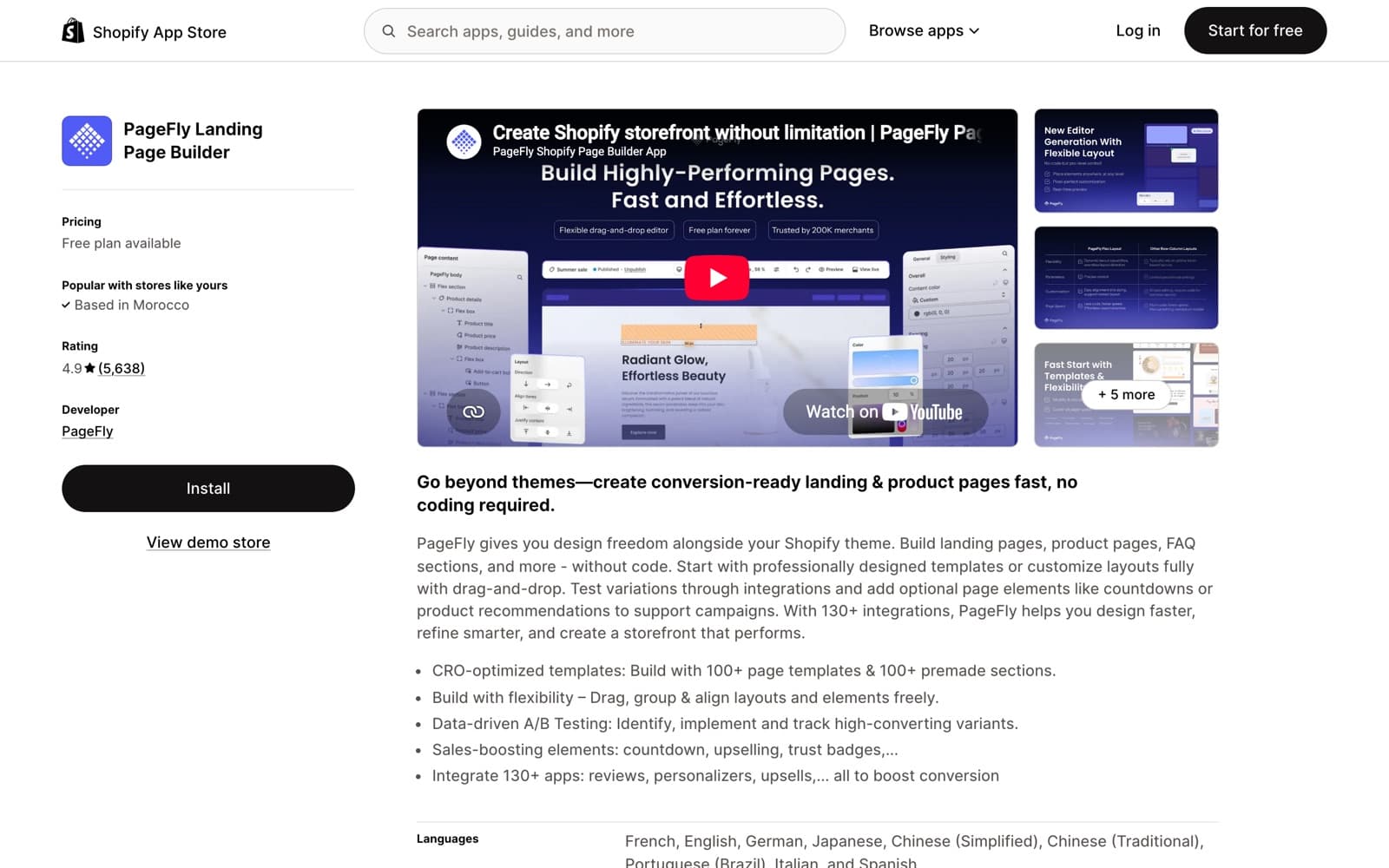
GemPages holds 4.9 stars across roughly 3,700 reviews and ships the biggest template library of the JS-layer builders at 400+. Its signature AI feature is GemAI: paste a screenshot, a URL, or a Figma frame and it produces an editable approximation of that layout. For teams whose workflow starts from an existing design, that is genuinely useful. For funnel-driven stores, the 59 dollar Optimize plan adds sales funnels and post-purchase upsells, and a companion product called GemX handles A/B testing.
The caveats come from GemPages' own docs and reviews. First, pages depend on the app: GemPages documents that pages stop rendering if the app is uninstalled, which is the hardest form of lock-in in this category. Second, there are no reusable synced sections, so a change to a shared block has to be repeated across every page that uses it. Third, the Editor V7 rollout drew a visible wave of quality complaints in reviews during 2025 and 2026; the team ships fixes, but the churn is worth knowing about before committing.
Like PageFly, GemPages renders through a JavaScript layer. The same fudge.ai benchmark put a GemPages page at 64 on mobile Lighthouse versus 87 for the native theme.
- Pros: 400+ templates, GemAI image and URL-to-layout conversion, funnels and post-purchase upsells on Optimize, A/B testing available via GemX, competitive 29 dollar entry price.
- Cons: pages stop rendering on uninstall per GemPages' own docs, no reusable synced sections, JavaScript rendering layer, Editor V7 stability complaints in recent reviews.
- Pricing: Free (1 published page), Build 29 dollars per month, Optimize 59 (funnels, post-purchase upsells), Enterprise 199.
4. Shogun: the content CMS for bigger teams
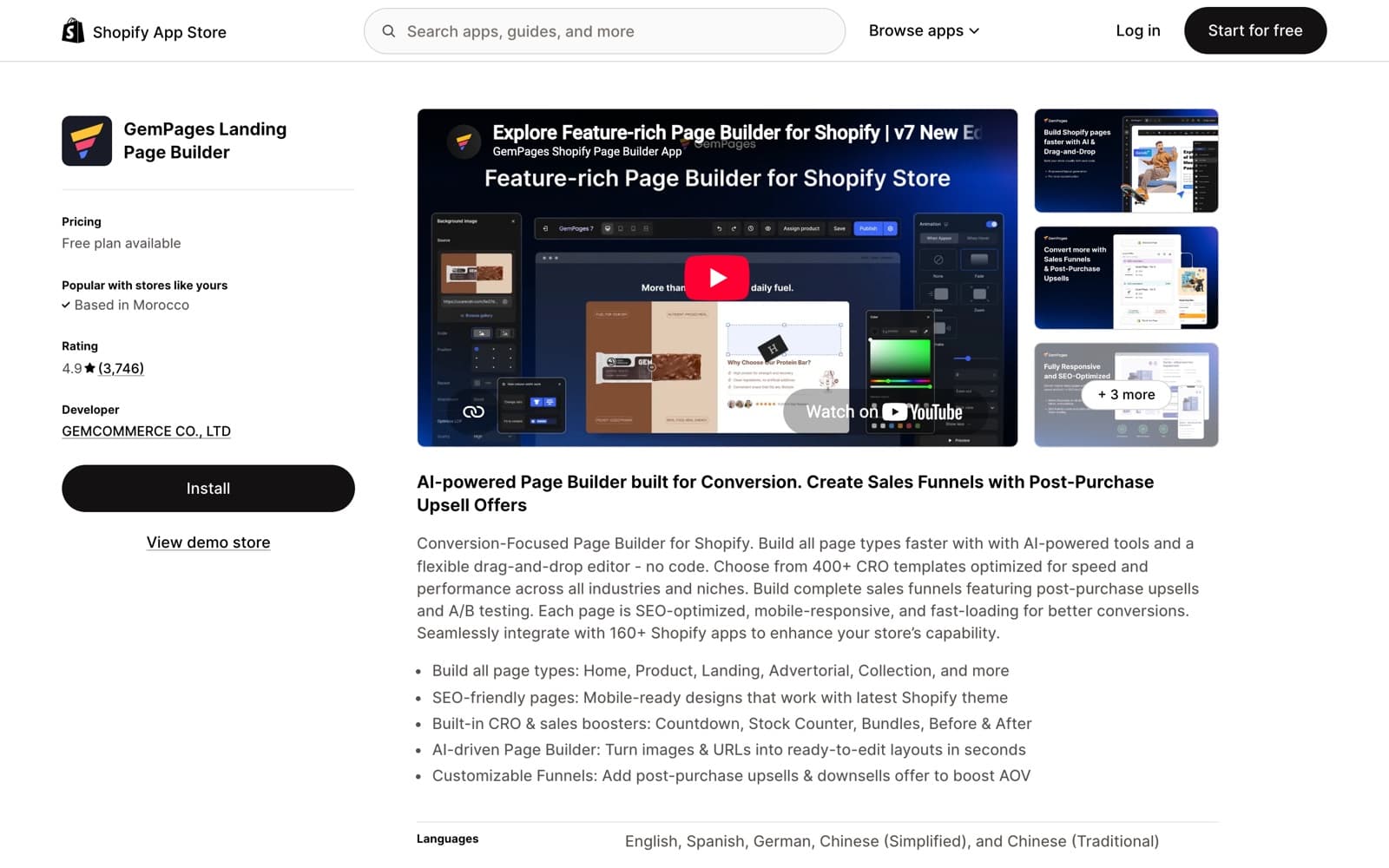
Shogun (4.8 stars, about 1,900 reviews) is better understood as a content management layer for Shopify than as a landing page tool. It brings scheduling, reusable snippets, built-in analytics, an SEO copilot AI, and on the top tier, multi-store content sync. Blog posts and content pages publish into your theme in a way that survives uninstall, which is rare among the JS-era builders.
The problem is the pricing curve. There is no free plan. The 39 dollar Build plan caps you at 25 published pages, and the next step up is Grow at 199 dollars per month, a brutal jump for a store that hits page 26. Advanced, at 499 dollars per month, adds the multi-store sync that agencies buy Shogun for. On speed, Shogun landed at 71 mobile Lighthouse in the same vendor benchmark, mid-pack: lighter than PageFly and GemPages, heavier than native output. Choose it when the job is content operations; for a founder who needs five fast landing pages, the 39 to 199 dollar gap is hard to justify.
- Pros: CMS-grade workflow with scheduling and snippets, content survives uninstall, built-in analytics and SEO copilot, multi-store sync on Advanced.
- Cons: no free plan, 25-page cap on the entry tier, the jump from 39 to 199 dollars per month is the steepest in the category, still carries a JS layer on landing pages (71 mobile Lighthouse in the 2026 vendor benchmark).
- Pricing: Build 39 dollars per month (25 pages), Grow 199, Advanced 499 (multi-store sync).
5. Replo: CRO tooling at an agency price
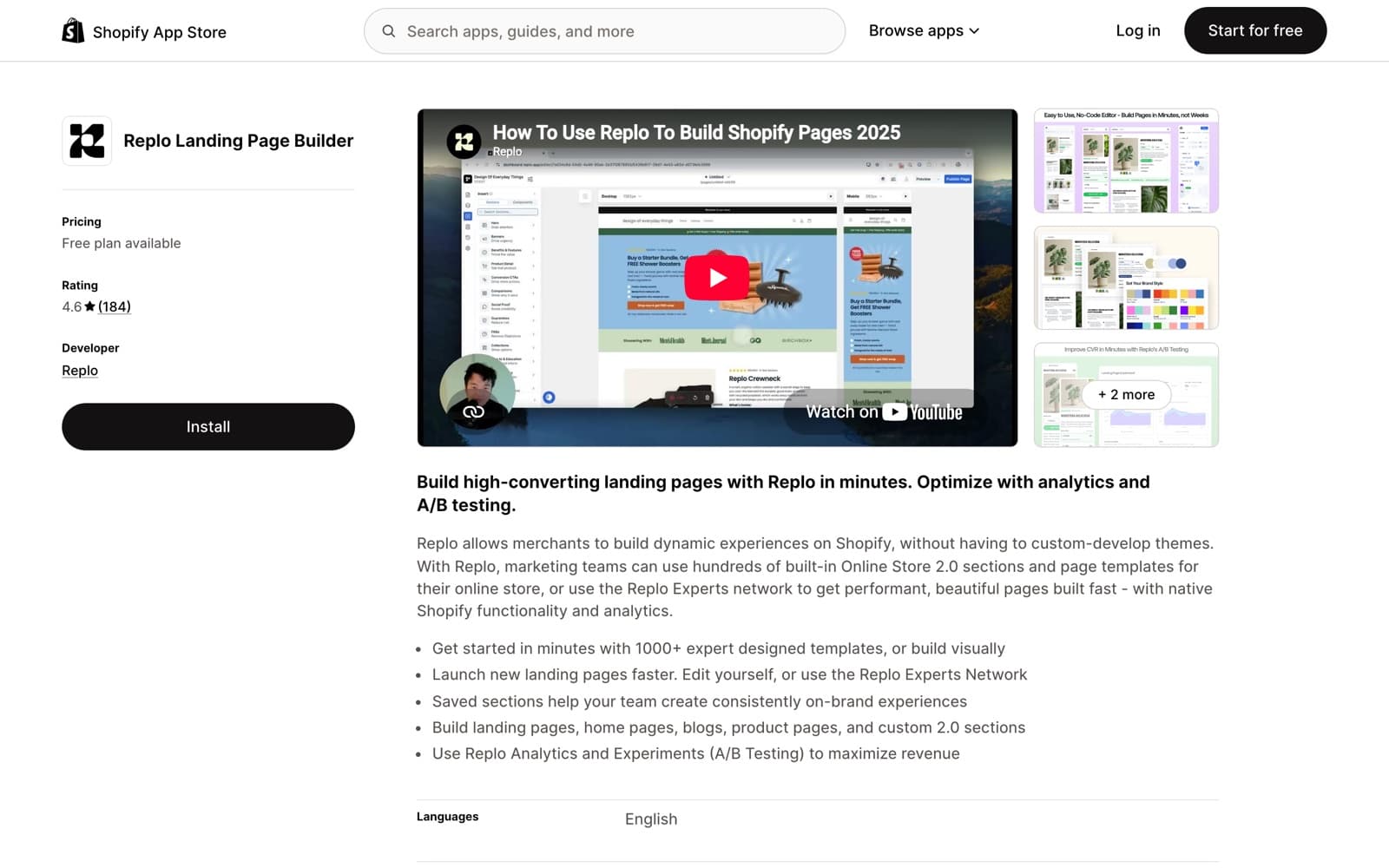
Replo is built for performance marketing teams and agencies: a Figma-like editor, 1,000+ templates, native A/B testing with revenue tracking, and CPA-focused analytics. Its architecture is a hybrid: pages publish as Liquid with a per-page runtime, and the fudge.ai benchmark scored Replo at 79 mobile Lighthouse, the best result among the JS-era builders, though still below the 87 of a plain native theme.
Pricing is both the pitch and the problem. Replo's website lists Starter at 99 dollars per month and Pro at 499, while its App Store listing has shown 119 and 599; Replo's own changelog notes the plans were consolidated into 2026, so confirm before subscribing. AI is metered in chats: 50 on the free tier, 400 on Starter. And with 4.6 stars across roughly 180 reviews, Replo has the thinnest public track record of the paid leaders.
A recurring theme in reviews is that most founders use less than 30 percent of what Replo offers, which is another way of saying the product is shaped for teams with a dedicated CRO operator. If that is you, the testing stack is arguably the best in the category. If not, you are paying agency prices for founder needs.
- Pros: best-in-class A/B testing with revenue tracking, 1,000+ templates, strongest Lighthouse score of the JS-era builders (79 mobile in the 2026 vendor benchmark), designed for CRO teams and agencies.
- Cons: pricing in flux between site and App Store listing (99 versus 119 dollars at entry), AI chats metered per plan, smallest review base among the paid leaders, feature depth most founders will not use.
- Pricing: Starter 99 dollars per month and Pro 499 per the website; the App Store listing has shown 119 and 599. Free tier available with 50 AI chats.
6. Instant: Figma-first, native output
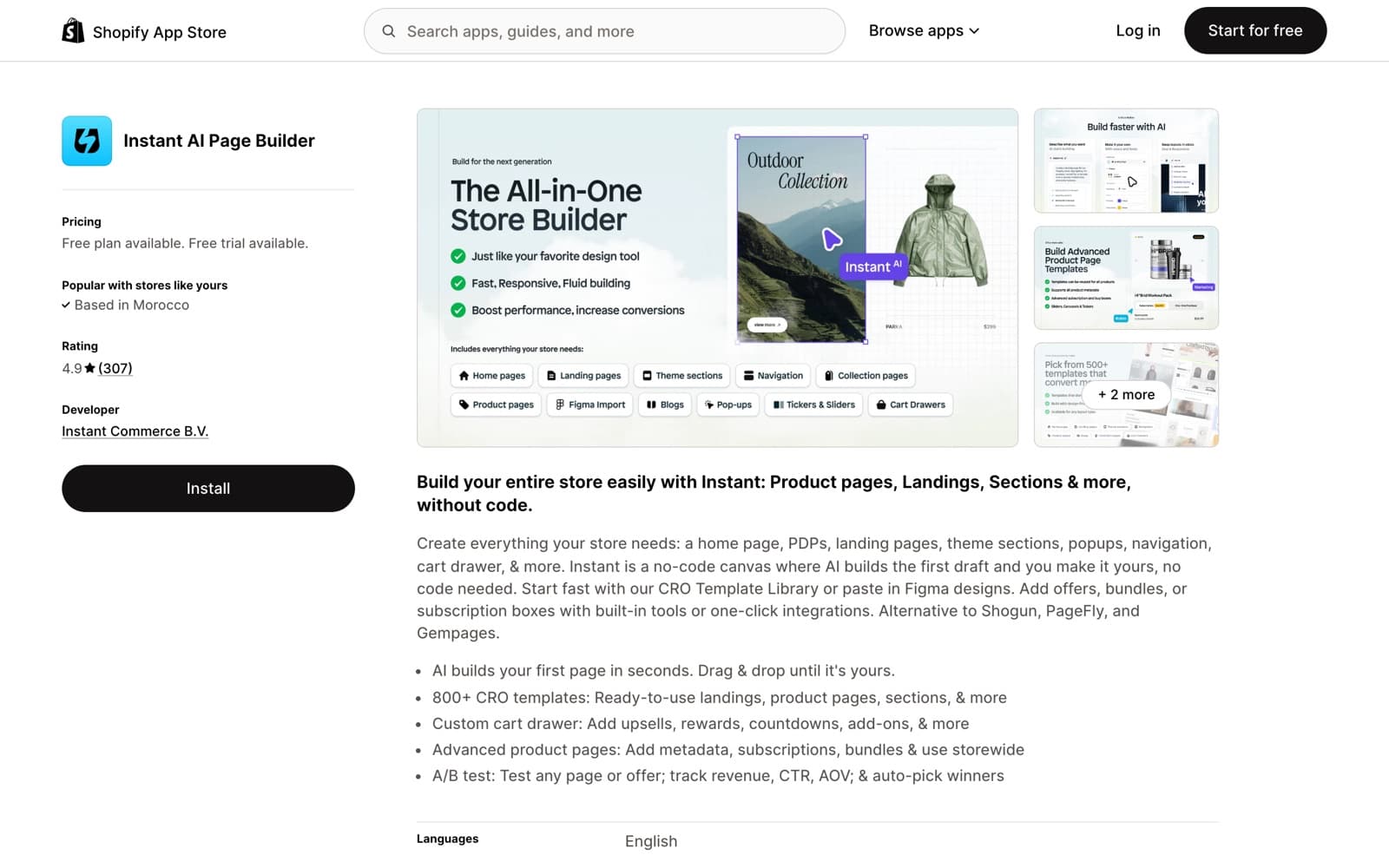
Instant (4.9 stars, about 300 reviews) sits in the same architectural camp as EcomWize: it publishes native Liquid sections, so pages load at theme speed and remain standard theme content. Its bet is design workflow rather than AI generation. The Figma import is the deepest available, with a plugin used by roughly 17,200 designers, and the template library runs to 800+.
The gotcha is metering. Instead of pages or AI credits, Instant's paid tiers cap published sections: 5 on the 39 dollar Starter, 20 on the 99 dollar Pro, more on the 249 dollar Business plan. A single rich landing page can use eight or ten sections, so the real-world price for section-heavy stores is the Pro tier. Pro also brings Instant's A/B testing, which detects a winner at 90 percent confidence.
- Pros: native Liquid output, deepest Figma import in the category (about 17,200 plugin users), 800+ templates, A/B testing with 90 percent confidence winner detection on Pro.
- Cons: published-section caps are the pricing gotcha (5 on Starter, 20 on Pro), AI generates first drafts rather than complete branded pages, testing locked to the 99 dollar tier.
- Pricing: Free (1 page and 1 section), Starter 39 dollars per month (5 published sections), Pro 99 (20 sections, A/B testing), Business 249.
7. Zipify Pages: funnel templates from an operator
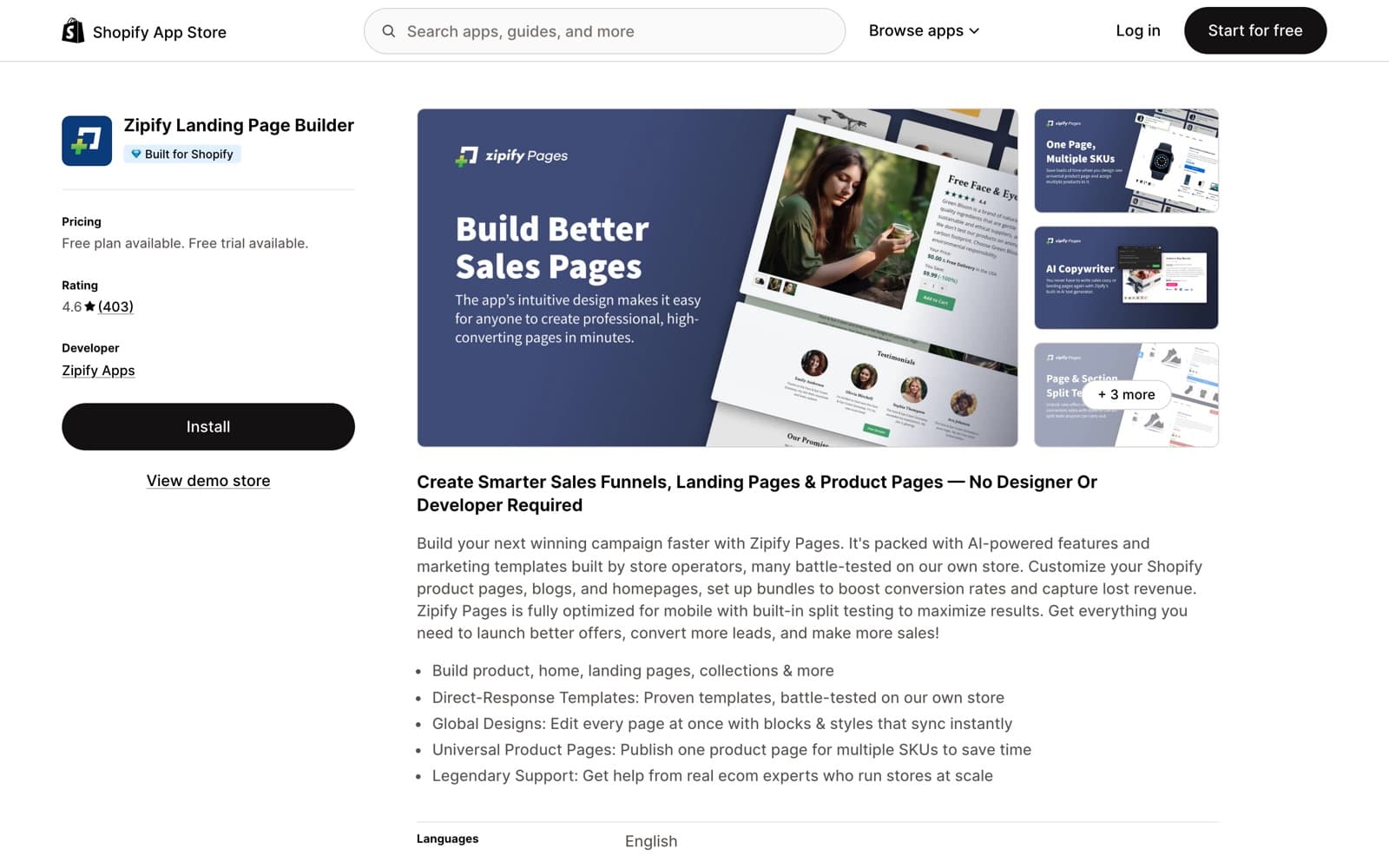
Zipify Pages (4.6 stars, about 400 reviews) comes from the team behind BOOM by cosmetics founder Ezra Firestone, and it shows: the templates are direct-response funnels that have actually run traffic, and the app pairs naturally with OneClickUpsell from the same company. Split testing is included on every plan from the 19 dollar Starter tier, the cheapest A/B testing in the category.
The compromises: Starter caps you at 5 landing pages, unlimited publishing waits for the 99 dollar Advanced plan, pages render through Zipify's own layer rather than as native sections, and the editor trades pixel-perfect control for shipping proven layouts quickly.
- Pros: split testing on all plans from 19 dollars per month, funnel templates from a real operating brand, tight pairing with OneClickUpsell.
- Cons: 5-page cap on Starter, own rendering layer rather than native sections, editor is less pixel-perfect than Replo or Instant.
- Pricing: Starter 19 dollars per month (5 landing pages), Basic 39, Advanced 99 (unlimited).
8. Shopify theme editor: the free baseline
Every comparison should include the option of installing nothing. The built-in theme editor costs zero, adds zero script weight, and modern Online Store 2.0 themes ship with respectable section libraries. If your needs are a homepage, a couple of content pages, and standard product pages, start here and spend the app budget elsewhere.
Its ceiling arrives quickly for marketing teams: no A/B testing, no AI generation, section variety limited to whatever your theme developer shipped, and building a distinct landing page per ad angle means fighting the theme rather than working with it.
- Pros: free, native by definition, zero added scripts, no new tool to learn.
- Cons: limited to your theme's sections, no AI, no testing, slow for campaign-page production.
- Pricing: included with every Shopify plan.
Bottom line
In 2026, pick your page builder by architecture first: native Liquid output beats a JavaScript overlay for speed, and it means your pages still exist if you ever leave.
- Choose EcomWize if you want AI to do the building, native output by default, and cart offers without a second app. The free plan publishes a real page in about a minute.
- Choose PageFly if a specific integration from its 130+ library is non-negotiable and you accept the speed tax.
- Choose GemPages if you replicate existing designs with GemAI or need post-purchase funnels, and you accept the uninstall lock-in.
- Choose Shogun if you run a multi-editor content operation and the 199 dollar tier fits your budget.
- Choose Replo if a dedicated CRO operator will live in the testing stack daily.
- Choose Instant if your designs are born in Figma and section caps fit your page structure.
- Choose Zipify Pages if you want the cheapest split testing and proven direct-response templates.
- Choose the theme editor if your needs are basic and your theme is good.
If you are unsure, run the cheapest test: build the same page on EcomWize's free plan and in PageFly's free slot, and compare the time spent and the Lighthouse scores.
Frequently asked questions
What is the best Shopify page builder in 2026?
It depends on how you build. EcomWize is the strongest choice for AI-first page creation with native Liquid output. PageFly has the largest template and integration library. Shogun fits large content teams, Replo fits CRO teams with bigger budgets, and Instant fits Figma-based design teams.
Do page builders slow down a Shopify store?
Builders that render pages through their own JavaScript layer add script weight to every page. A 2026 vendor benchmark measured 52 mobile Lighthouse for PageFly and 64 for GemPages against 87 for a native theme. Builders that export native Shopify Liquid, such as EcomWize and Instant, load at theme speed because there is no extra runtime.
What happens to my pages if I uninstall a page builder?
It varies by architecture. GemPages documents that pages stop rendering if the app is removed. Shogun leaves content in the theme so it keeps working. Pages built with EcomWize and Instant are native Shopify sections and keep working even if you cancel.
How much does a Shopify page builder cost in 2026?
Paid entry points range from 19 dollars per month (Zipify Pages) to 99 dollars per month (Replo, per its website). EcomWize starts free with 150 monthly AI credits, and its Starter plan is 49 dollars per month with unlimited pages.
Which Shopify page builders have built-in A/B testing?
Zipify Pages includes split testing on every plan from 19 dollars per month, Replo makes it a core feature, Instant adds it on Pro with 90 percent confidence winner detection, and GemPages offers it via GemX. EcomWize does not run native split tests today; it generates many variants and lets traffic decide.
Are AI page builders better than template page builders?
They solve different bottlenecks. Template builders like PageFly and GemPages are faster than coding but still require you to assemble and write every page. Agent-style tools like EcomWize produce a complete branded page from one prompt in about 60 seconds, which matters most for stores testing many ad angles.