Copy any page or section into your store
See a page that sells? Snapshot it, paste it into EcomWize and swap in your brand and content. The layout stays.
Pin the extension. Once.
Add it to Chrome and keep it one click away in your toolbar.
- 1
- 2Open Extensions
- 3Find EcomWize Snapshot
- 4Pin it to the toolbar
How to use
- 1Click the icon or press ⇧⌘E
- 2Hover the section you want
- 3↑↓ to fine-tune your pick
- 4↵ or click to snapshot, A for the whole page
- 5⌘V in your EcomWize page
Change the shortcut anytime at chrome://extensions/shortcuts.
Try it out
Turn on Snapshot and click any of the cards on the right. Press ↑ to take all three at once.
Open your EcomWize page, press ⌘V and edit them like any other section.
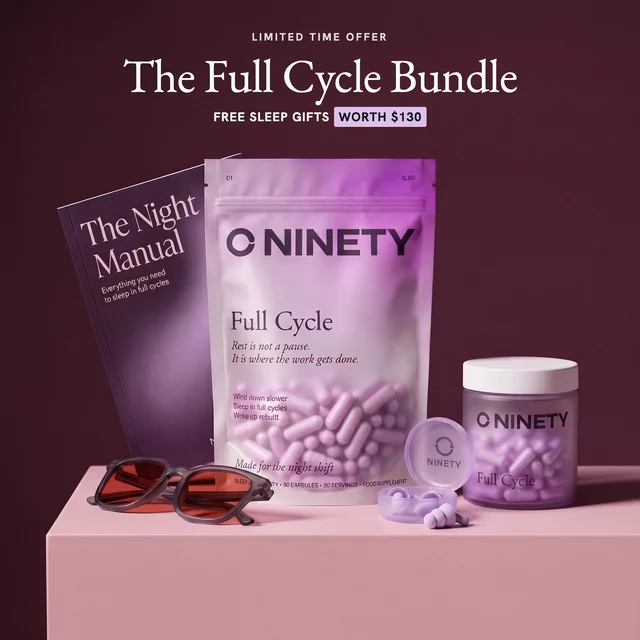
212 reviews
The Full Cycle Bundle
Three months of Full Cycle plus free sleep gifts worth $130.
Add - From $99.90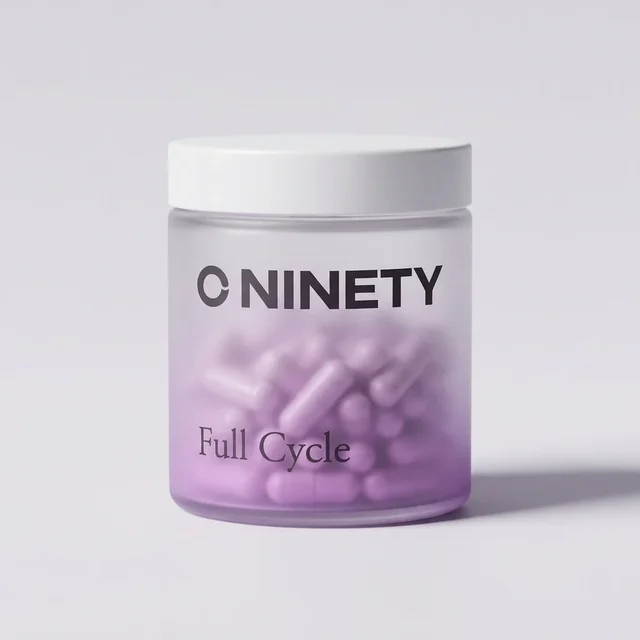
64 reviews
Full Cycle Travel Jar
Your nightly capsules, ready for hotels, camps and long trips.
Add - From $12.00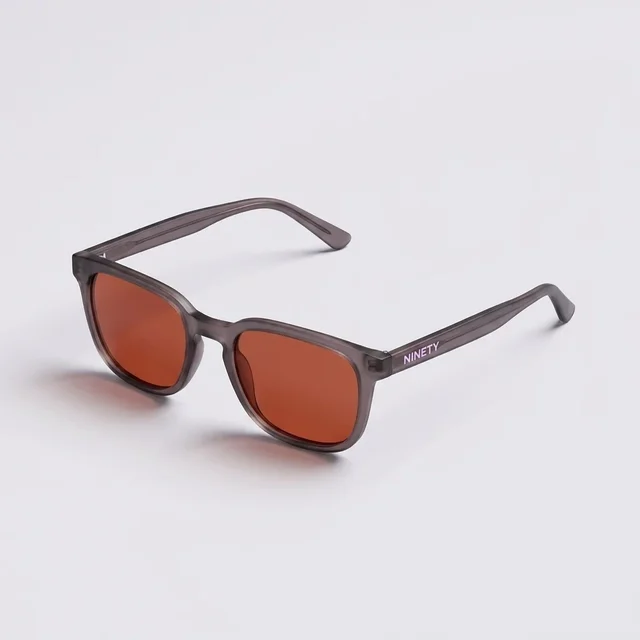 NEW
58 reviews
Amber Night Glasses
Filter blue light in the two hours before bed, so you wind down faster.
Add - From $34.00Questions about Snapshot
Still unsure? Ask AI about EcomWize


Still have a question? Email our team at
Chrome, and Chromium browsers that install Chrome extensions, like Edge, Brave and Arc.
Yes. Turn it on and press A. It loads the full page, then splits it into sections you can paste in one go.
Open a page in EcomWize, select a section and press Cmd+V. The snapshot lands right after it.
No. It only copies the section. You paste it into EcomWize while you are signed in there.
Yes. It becomes a normal section: change the text, swap images, adjust spacing and colors like any other section.
Fonts the store cannot load switch to your brand kit fonts. Google Fonts stay as they are.
Yes. Large rows stack, big text and spacing scale down, and you can fine-tune the mobile view in the editor.
Still unsure? Ask AI about EcomWize
Still have a question? Email our team at